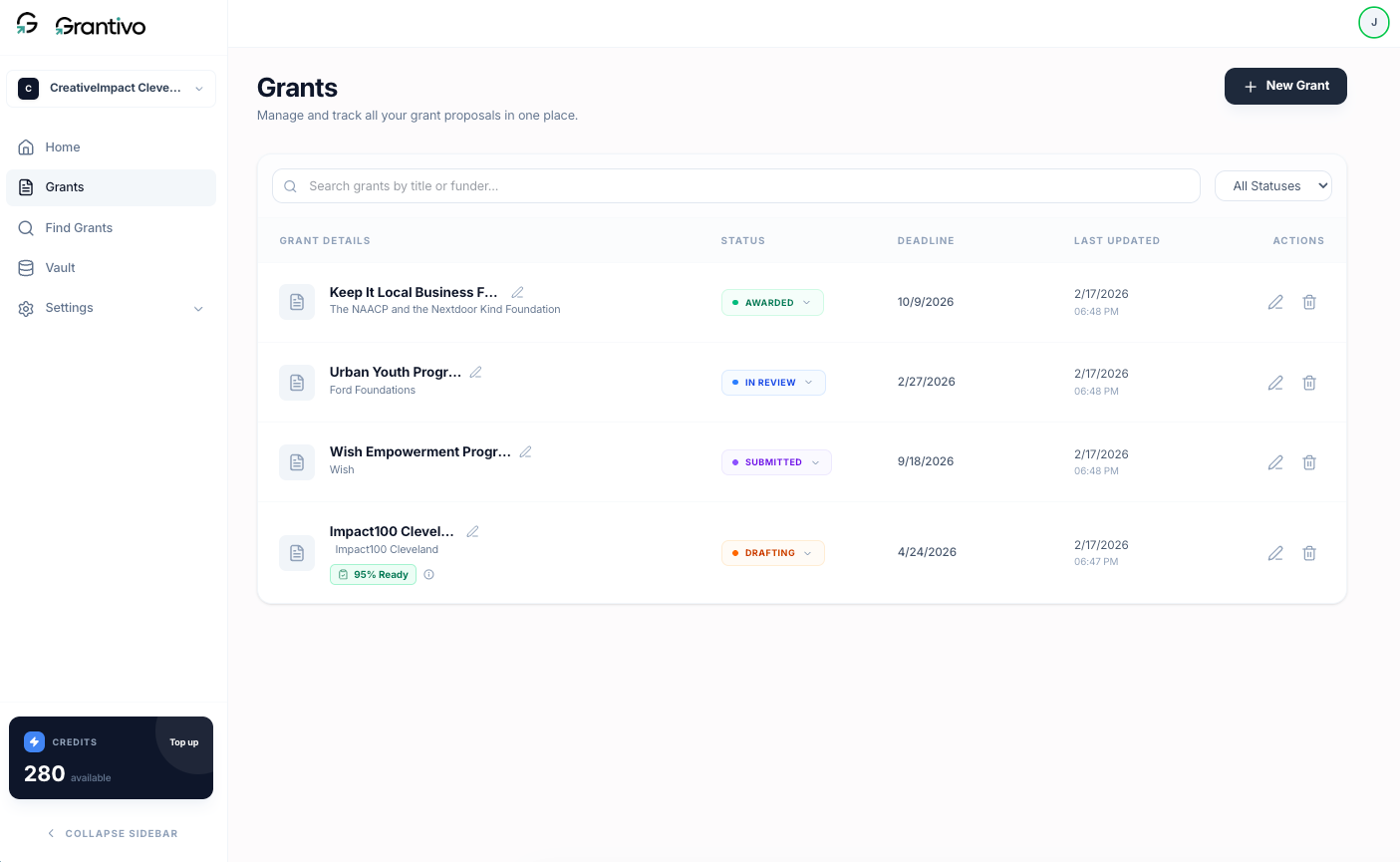
Under Grants you'll see all proposals for the current organization. You can search by title or funder, filter by status (Planning, Drafting, In review, Ready, Submitted, Awarded, Declined), edit title and deadline inline, and update status via the status dropdown as you move from planning to drafting to review to ready to submitted.
Readiness (e.g. 72% Ready) appears after you run analysis in the editor; it reflects how well the proposal matches requirements and clarity based on Grantivo Intelligence.